New WEB
A private, beautifully crafted new tab dashboard — designed for people who value simplicity and elegance.
Experience
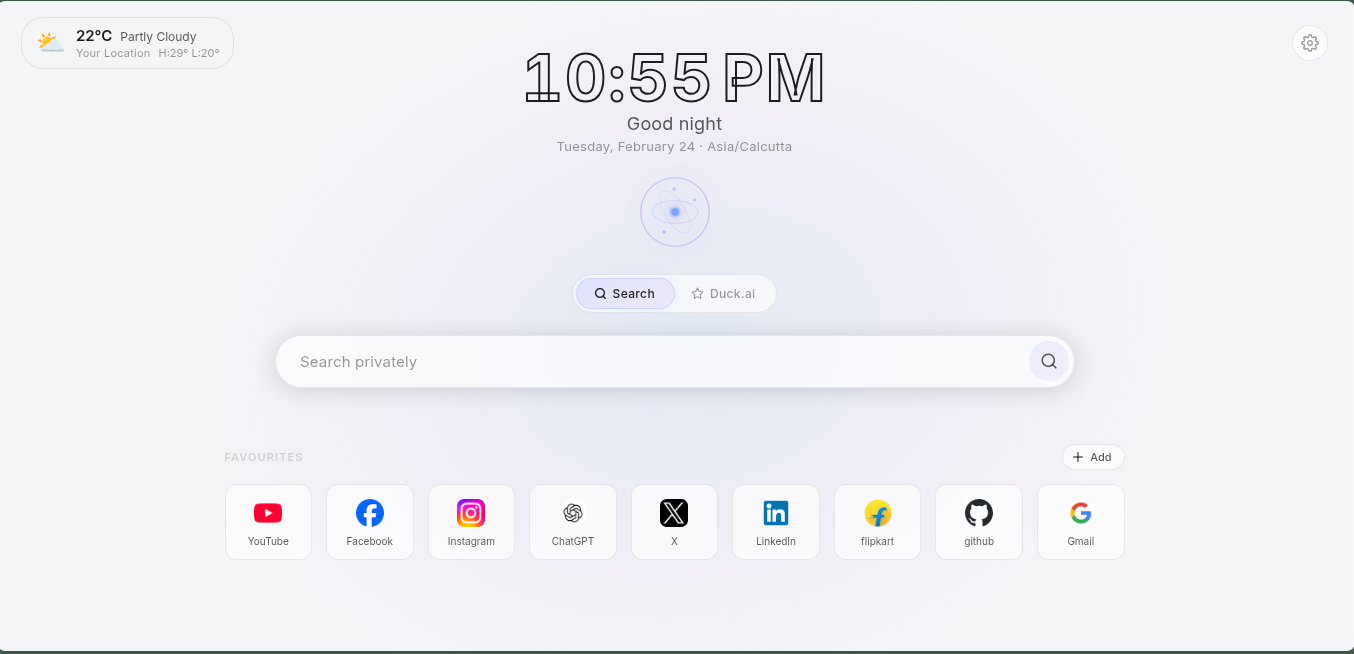
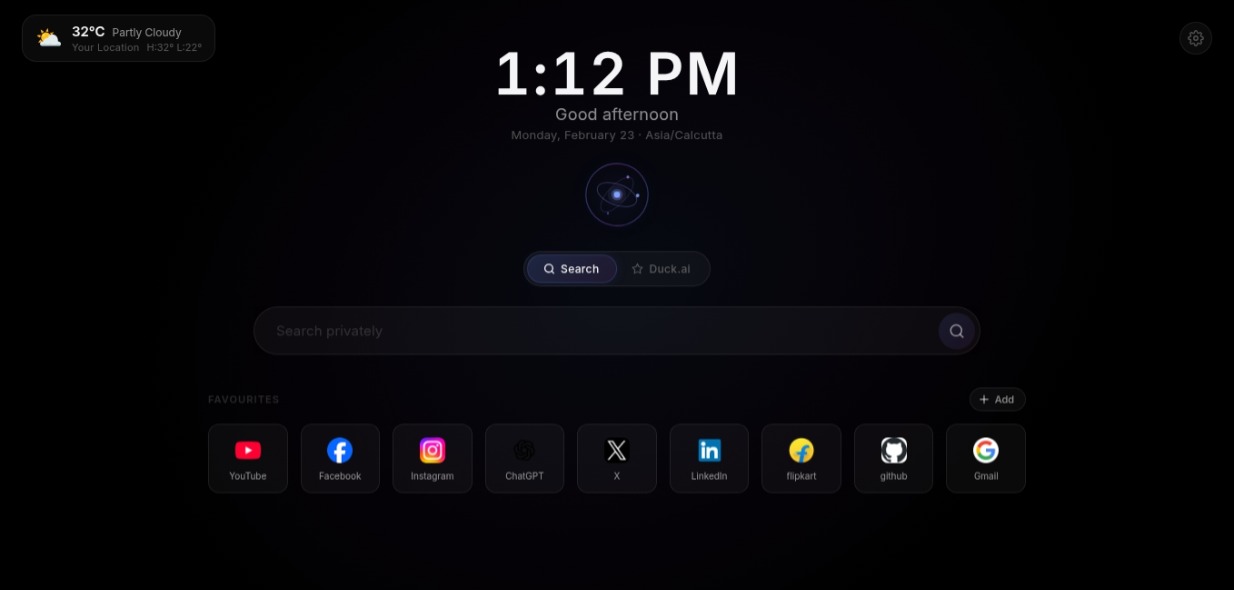
A Dashboard Unlike Any Other
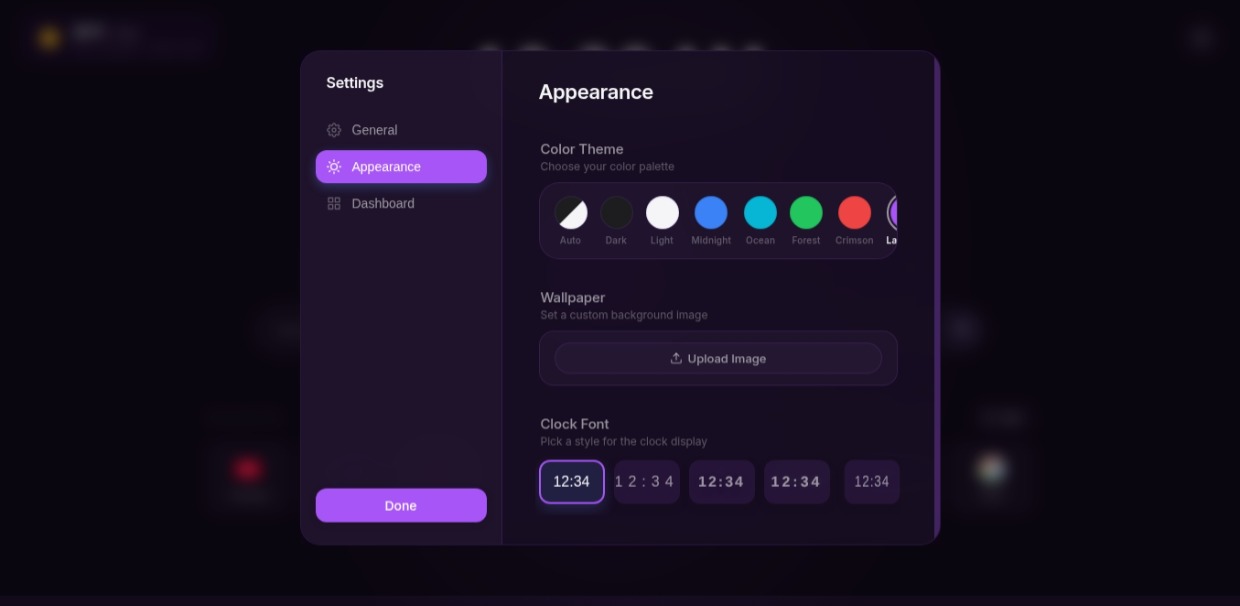
Tailored to your mood. From light and airy to dark and sleek.
What Makes It Special
Elevate Your Browser
A stunning array of features designed for productivity and aesthetics.
Apple‑Style Clock
A highly customizable, elegant clock widget inspired by premium minimalist design.
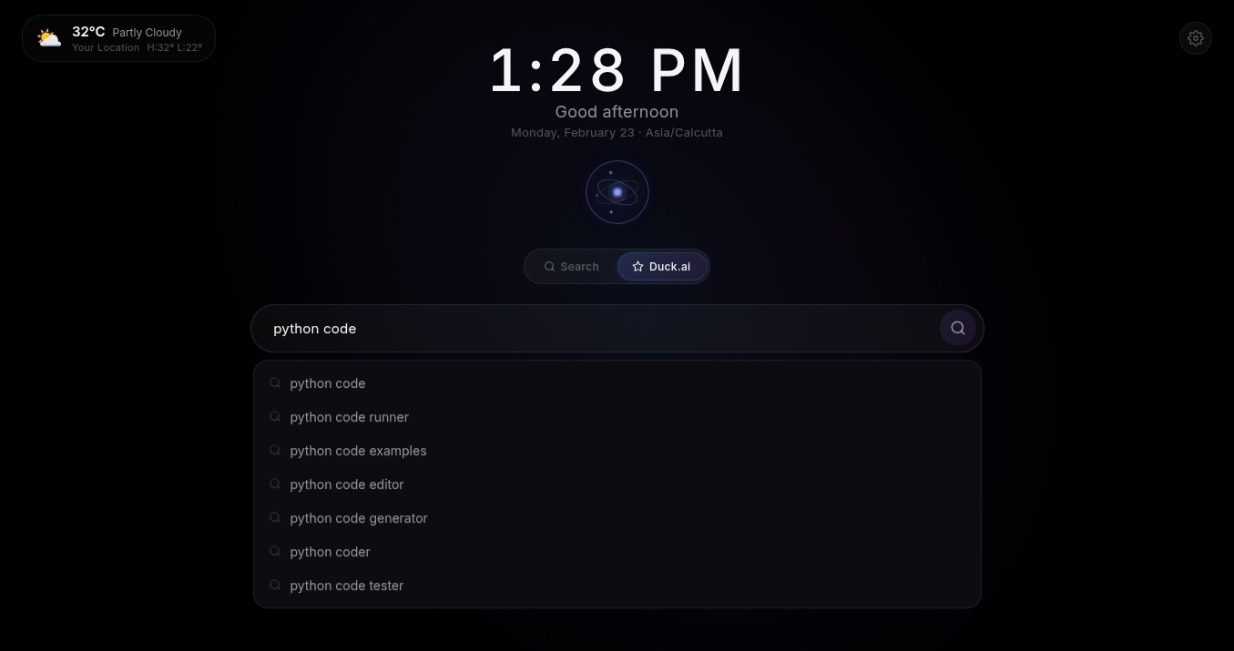
Multi‑Engine Search
Instantly switch between search engines right from your new tab to find what you need.
Quick Notes
Jot down thoughts instantly with automatic timestamps, right in your new tab.
Favorites Grid
Beautifully arranged quick links to your most visited and favorite websites.
Weather Widget
Stay informed with an elegant, unobtrusive weather widget that blends seamlessly.
Fully Customizable
A centralized settings panel to tailor every aspect to your personal taste.
For Chrome Users
Chrome Installation
Since Chrome restricts some extensions, manual installation is simple.
-
Download ZIP
Get the latest release from the GitHub repository.
-
Extract Files
Unzip the downloaded folder to a permanent location on your computer.
-
Open Extensions
Navigate to
chrome://extensionsin your Chrome browser. -
Enable Developer Mode
Toggle the "Developer Mode" switch in the top right corner.
-
Load Unpacked
Click "Load unpacked" and select the extracted folder. Done!
Say Hello
Get in Touch
Have questions or feedback? Reach out anytime.